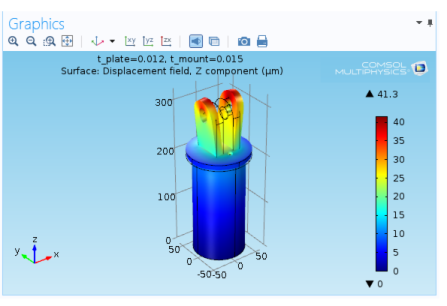
The Graphics window (Figure 6-2) is a graphical view of the geometry, mesh, and results of the model. The window has useful tools for changing the view and selecting multiple entities — geometry objects when creating the geometry as well as domains, boundaries, edges, and points to define the physics features or to select geometric entities for fine-tuning the mesh or evaluating quantities in a certain part of the model, for example.
For the graphics rendering, COMSOL uses OpenGL® rendering by default. It is also possible to use DirectX® rendering (Windows® only) or software rendering. Software rendering may be necessary in some cases, such as running COMSOL via a remote connection. You can change the type of rendering from the Rendering list on the Graphics and Plot Windows page in the Preferences dialog box.
 |